
Spotter: Ask your platform a question. Get the answer.
Spotter is the Askew Brook analysis layer that lets operations teams query live platform data in plain English and receive structured answers without leaving the admin panel they already use.
Overview
Operations teams hit the same problem repeatedly: the data already exists, but getting answers means filing a ticket, waiting on a developer, or relying on a dashboard built for last quarter's questions. Spotter removes that friction by turning the platform itself into the analysis surface.
Teams open Spotter from the admin panel, type a focused question in plain English, and receive a formatted report back in seconds. It uses the same records, relationships, and approved calculations the platform already relies on, so the answers come from business logic the team already trusts.
The Problem
Teams should not need SQL, a spreadsheet export, or a new report request to understand live operational data. But in most systems, that is exactly what happens. Questions that should take seconds end up taking days because the data is accessible only through technical bottlenecks.
That delay pushes people toward guesswork. Important decisions get made without current numbers, or staff stop asking useful questions because extracting the answer costs too much time from the development team.
What Spotter Does
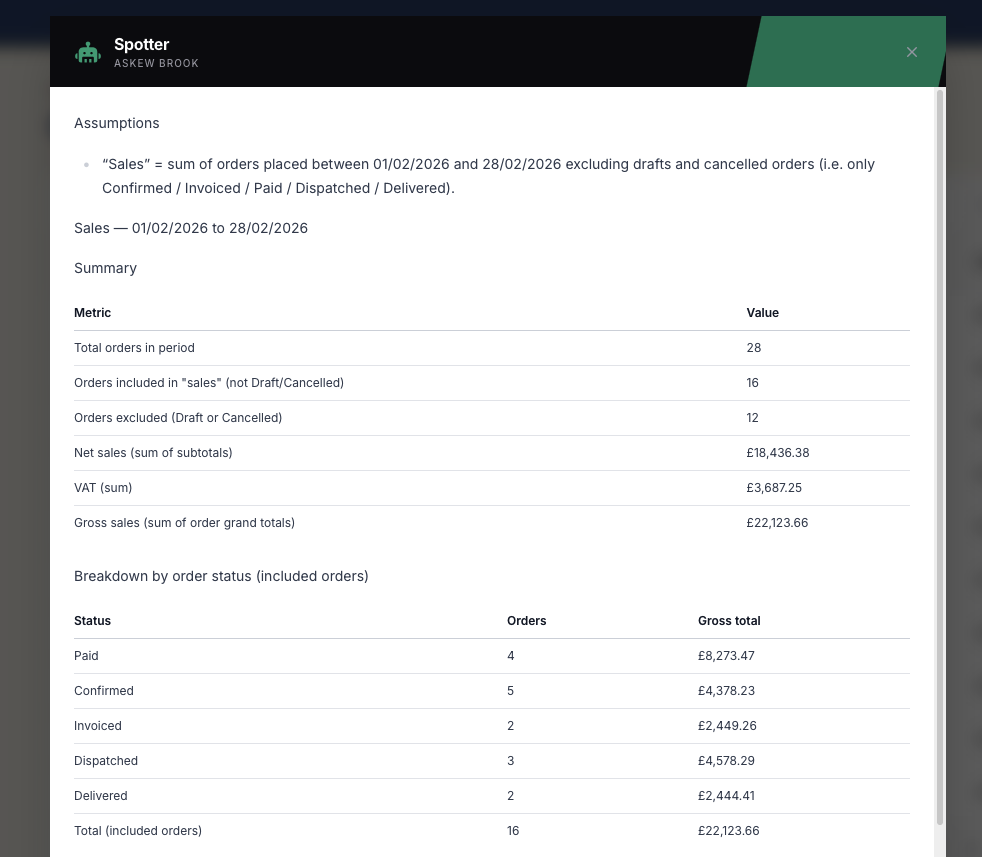
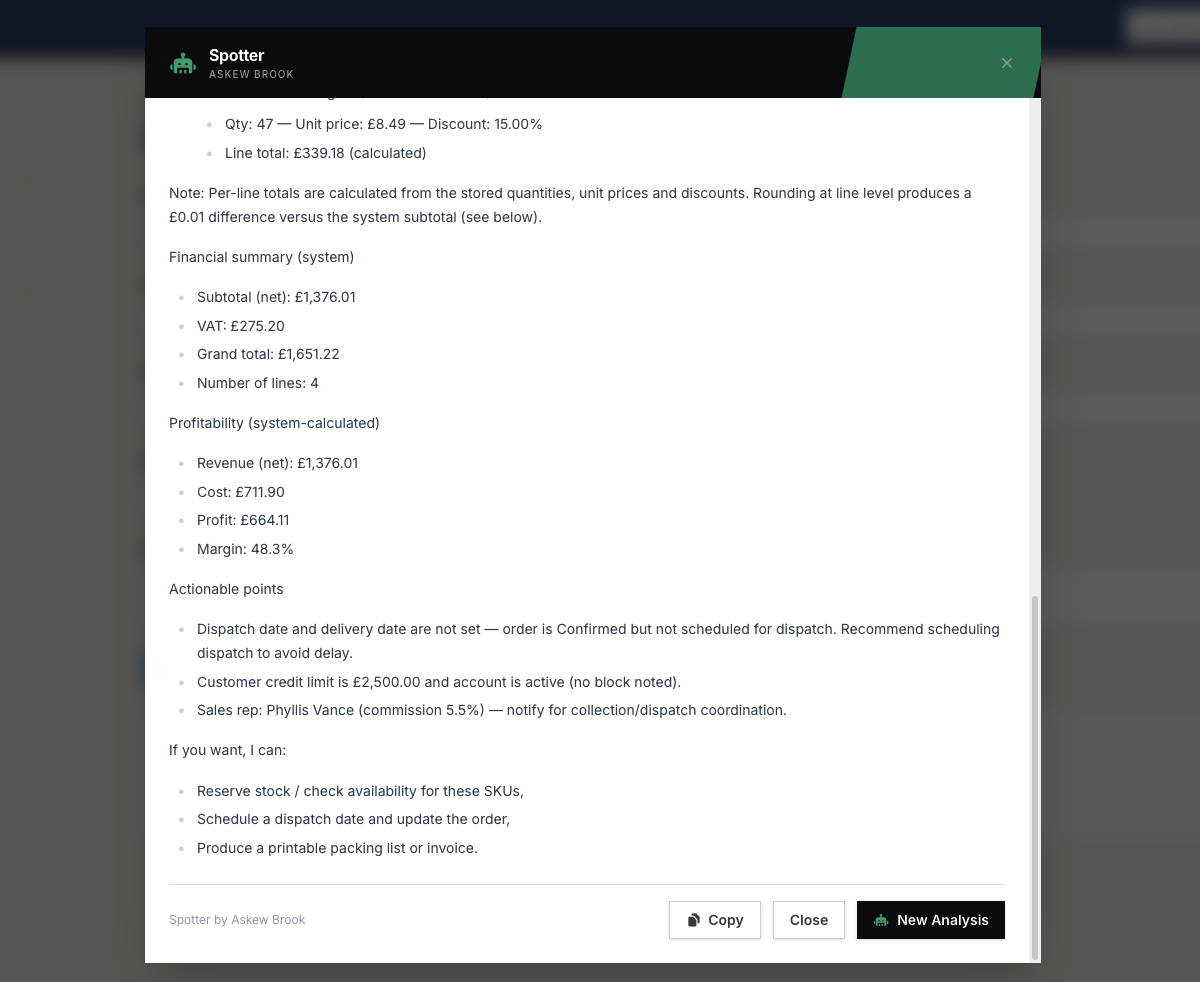
Spotter is an AI-powered analysis layer built directly into Askew Brook platforms. It allows users to ask questions about their data in plain English and get structured results back as summaries, tables, computed values, and breakdowns that match the platform's existing rules.
It is not scraping the screen or inventing its own maths. Spotter works against the platform's approved data access and business logic, so derived values such as totals, margins, and platform-specific calculations stay consistent with the system of record.
What Your Team Sees
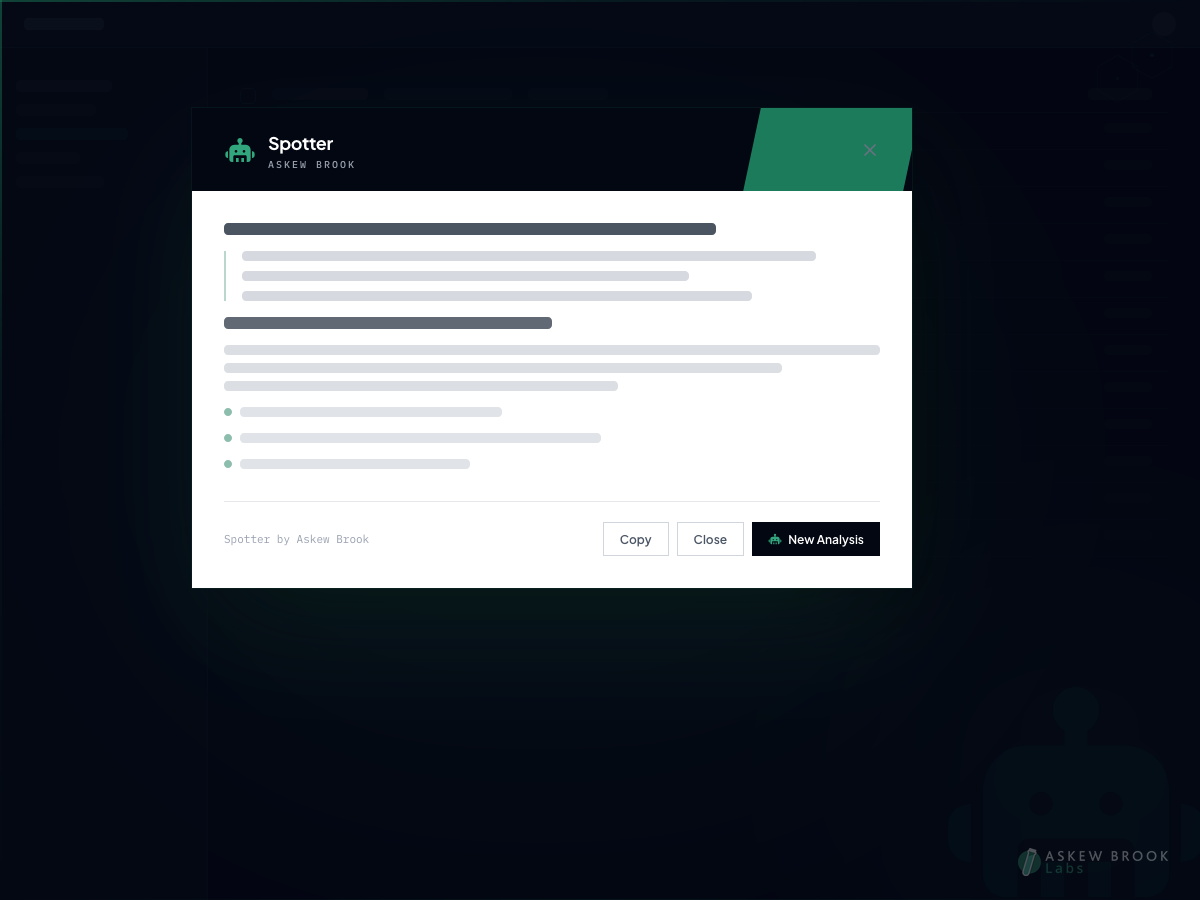
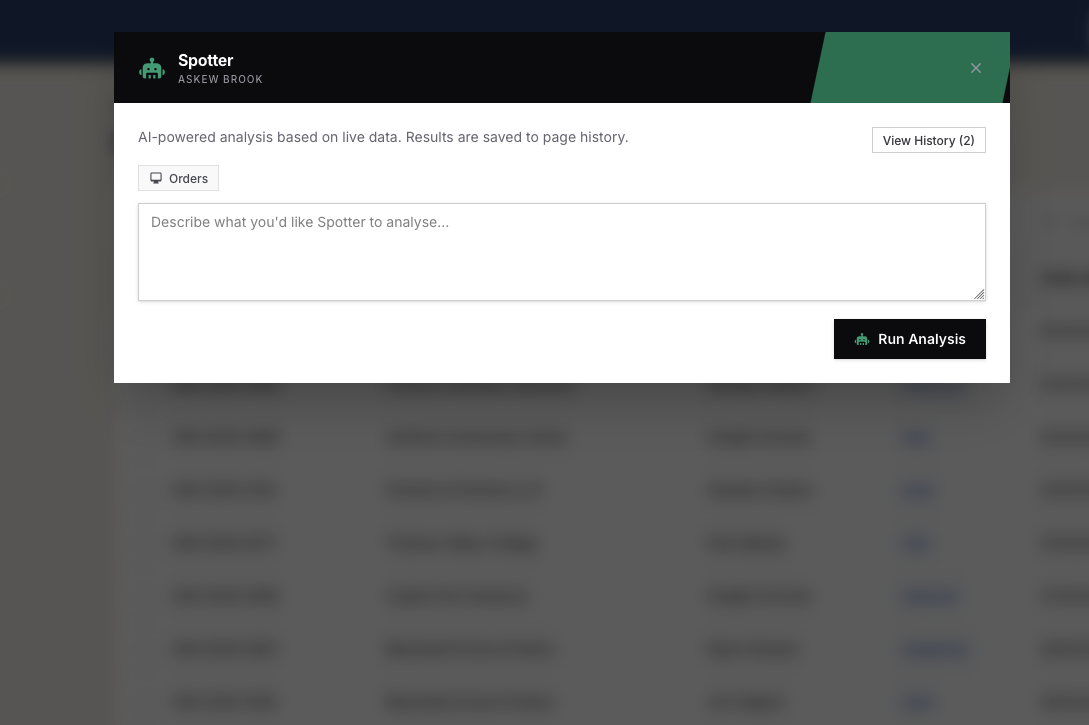
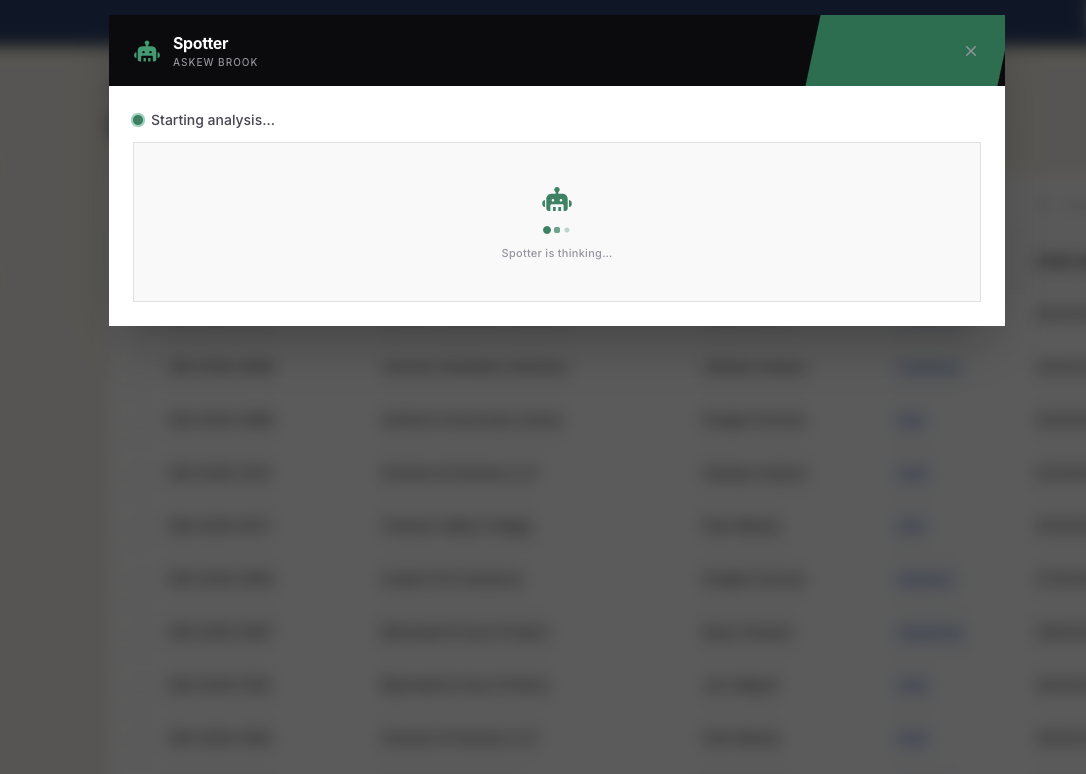
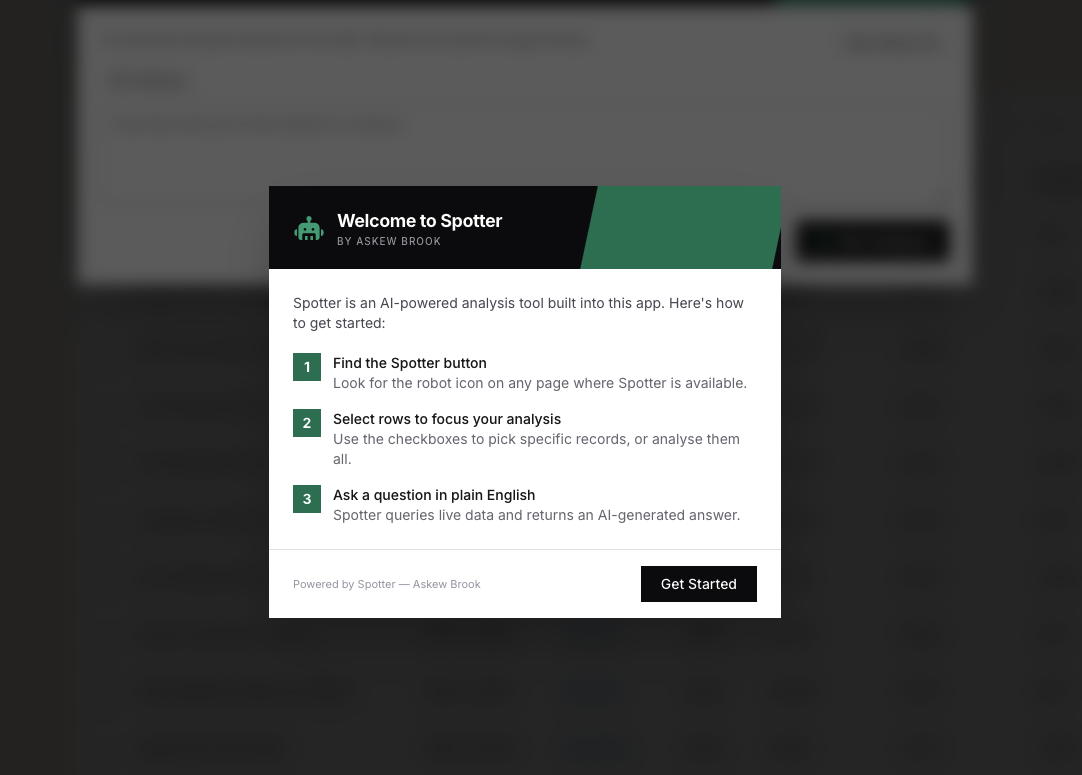
The workflow is intentionally short. A Spotter button appears on configured pages inside the admin panel. A user opens it, types a question, watches the analysis progress, then reads the report. The result is saved to history for later reuse.
Open Spotter from a list page or individual record page.
Ask a plain-English question about the data in view.
Watch live status updates while the analysis runs.
Read a formatted result and reopen it later from history.
Built Into the Platform, Not Bolted On
Spotter analyses data but cannot create, update, or delete records. That constraint is structural, not configurable.
Only approved datasets, calculations, and relationships are exposed. Sensitive areas can be excluded entirely.
Spotter adapts to the page it is opened from, including selected rows on list pages and record context on detail screens.
The Kind of Questions It Handles
“Show me the top 10 highest-value jobs this month”
Useful when an operations lead needs a quick performance snapshot without asking a developer for a report.
“Which clients have outstanding invoices over £5,000?”
Useful for finance and admin teams checking live receivables directly from the system they already work in.
“What's the profit margin breakdown for jobs completed last week?”
Useful when the answer depends on platform-specific calculations and relationships rather than a single raw field.
Budgeting and History
Spotter includes built-in usage budgeting so platform owners can cap monthly usage and optionally pace that budget across the weeks of the month. Teams can see what has been used, what remains, and when the allowance resets.
Every analysis is retained in history, scoped to the page it was run from. Teams can reopen previous results without rerunning the analysis, which makes Spotter useful in day-to-day work rather than a one-off novelty.
What Spotter Is Not
It's not a dashboard.
Dashboards answer anticipated questions. Spotter is for the questions nobody thought to prebuild.
It's not a report builder.
There is no template authoring or configuration burden for end users. Ask the question and read the answer.
It's not a chatbot.
Spotter is focused analysis. One prompt produces one structured result tied to platform context.
Available on Askew Brook Platforms
Spotter is a capability for platforms built and maintained by Askew Brook. It is configured around the data model, calculations, and access boundaries of the specific platform it is deployed into, so each implementation is tailored to the domain it serves.
If your organisation already runs on an Askew Brook platform and wants AI-assisted analysis without introducing another tool, get in touch and we can walk through where Spotter fits.